
Images in Comments
Allow your users to enrich their comments with images, creating more engaging and expressive conversations on your site.
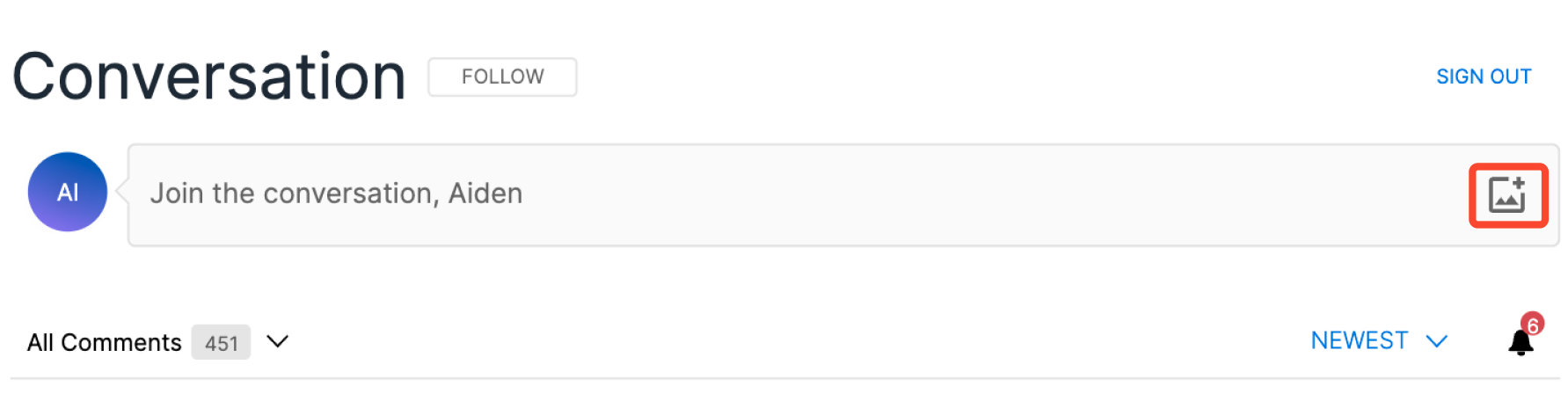
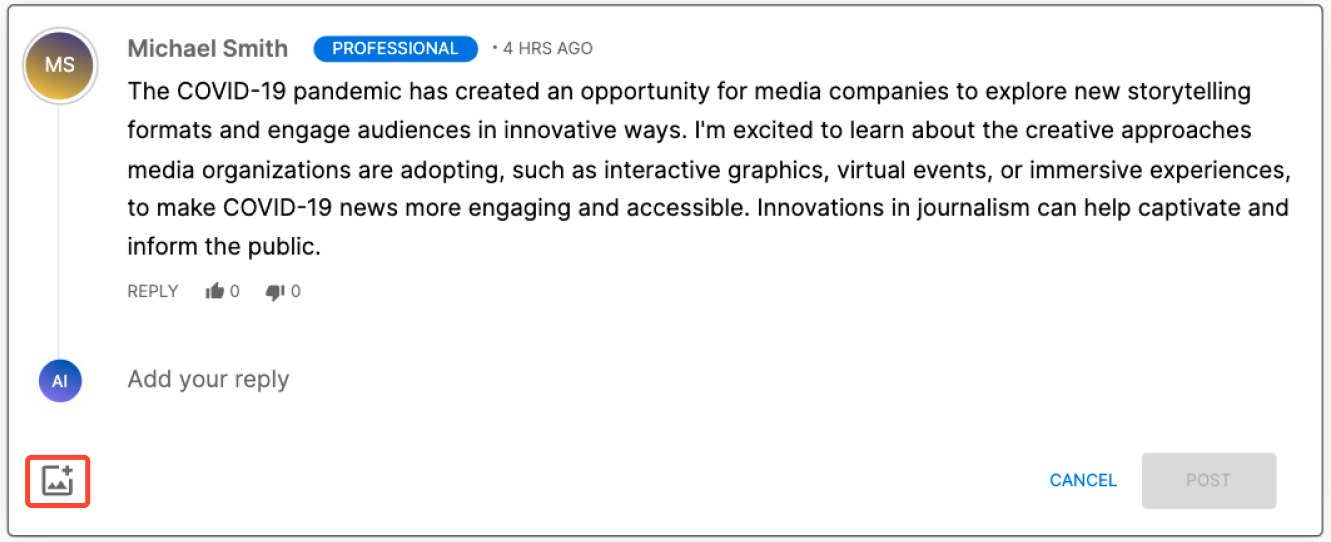
Users can attach a single image to the body of a comment when posting and replying. Submitted images are displayed inline within the comment and are fully visible to other community members.
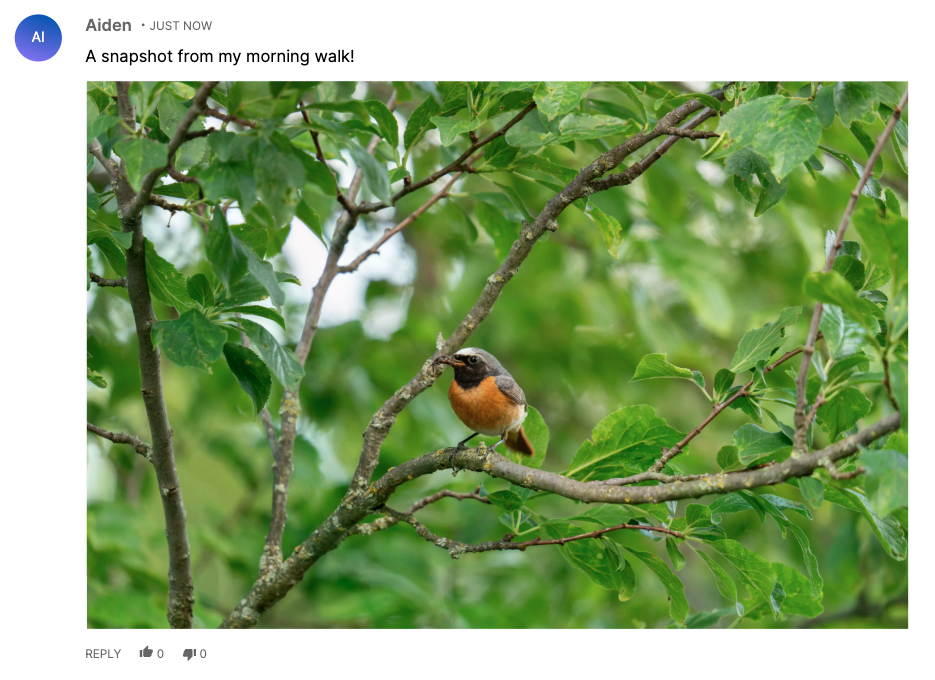
Note: Images in Comments supports still images only. Video uploads are not currently supported.
Supported File Types
The following image formats are accepted:
- JPG / JPEG
- PNG
- GIF
- HEIC
- WebP
Image Dimensions
There is no fixed limit on the original dimensions of an uploaded image. However, if an image exceeds 2520px in either width or height, the stored version will be automatically resized so that its largest dimension does not exceed 2520px.
Image File Size
There is no published maximum file size for image uploads. Images that exceed internal processing thresholds will be automatically compressed during upload. Images up to 20 MB are accepted. Larger images are typically compressed automatically to about 2 MB and 2520px before upload.
This optimization occurs automatically and typically does not require any action from end users.
Upload Methods
Users can upload images through the image attachment button when creating a comment or reply.
Supported interaction methods include:
- Standard image attachment upload
- Copy and paste image upload
Note: Drag and drop image upload is not currently supported.
Alt Text
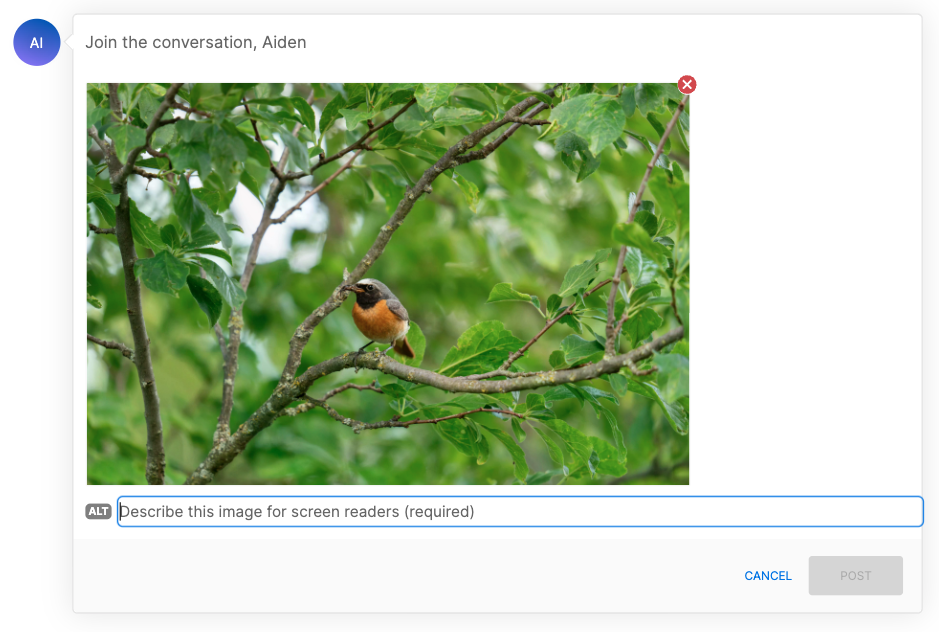
When a user uploads an image, they have the option to add alt text to describe the image. Alt text improves accessibility for users who rely on screen readers and provides context when an image cannot be displayed.
As an administrator, you can configure whether alt text is optional or mandatory for your end users. This setting can be managed from the Admin Console under Site Settings.
Alt text submitted with an image is treated as post content and will pass through the same automated moderation services as comment text, if it is enabled.
Viewing Images in the Moderation Console
Comments containing images will appear in the Moderation Console with the image displayed inline alongside the comment text. Moderators can review, approve, or reject image-containing comments just as they would any other post.
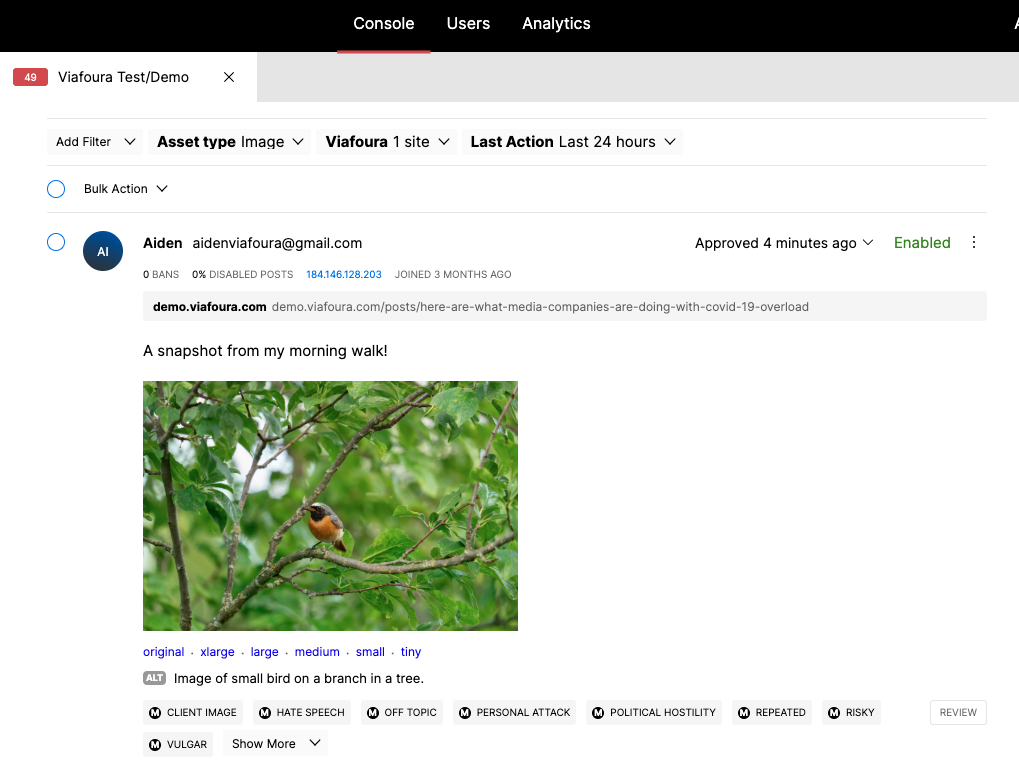
Pre-moderation for Comments with Images
To ensure all user-submitted images are reviewed before they are published, moderators can configure a queue in the Moderation Console to route all comments containing images to a Pre-moderation queue.
This allows your moderation team to manually approve or reject image content before it goes live on your site.
For more information on setting up queues, see Queues.
Admin Configuration
Administrators can manage Images in Comments settings from the Admin Console:
- Enable or disable premoderation of all uploaded images in comments for your site
- Alt text requirement – set alt text as optional or mandatory for users uploading images
Updated 24 days ago