
Live Q&A
Introduction
Viafoura’s Live Q&A allows you to host real-time, moderated question-and-answer sessions directly on your site - fostering dynamic, two-way engagement between your audience and featured hosts or experts.
Your audience can submit questions, reply, and react in real time without needing to refresh the page, allowing them to participate in interactive discussions as the event unfolds. Use this for live interviews, town halls, product launches, or event-based conversations.
Installation
Step 1: Install the Viafoura Javascript
The Viafoura Live Q&A component requires the Viafoura base JavaScript to be installed on the page where this component is to appear.
Step 2: Add the Live Q&A code to your page
Add the following code to the page where you want the Live Q&A to appear.
If you are using article-level container ids, then you will not need to specify your container id in this code:
<div class="viafoura">
  <vf-livequestions></vf-livequestions>
</div>
If you are using widget-level container ids, then use this:
<div class="viafoura">
  <vf-livequestions vf-container-id=“[ENTER UNIQUE ID]“></vf-livequestions>
</div>
Optional: Configure or hide the widget title
By default, the Live Q&A widget header displays "Live Q&A" as the title.
You can optionally customize or hide this title using the title parameter on the vf-livequestions tag.
Title Behaviour
| Title Parameter | Header Behaviour |
|---|---|
<vf-livequestions></vf-livequestions> | Displays the default title: Live Q&A |
<vf-livequestions title=""></vf-livequestions> | Does not display a title/header |
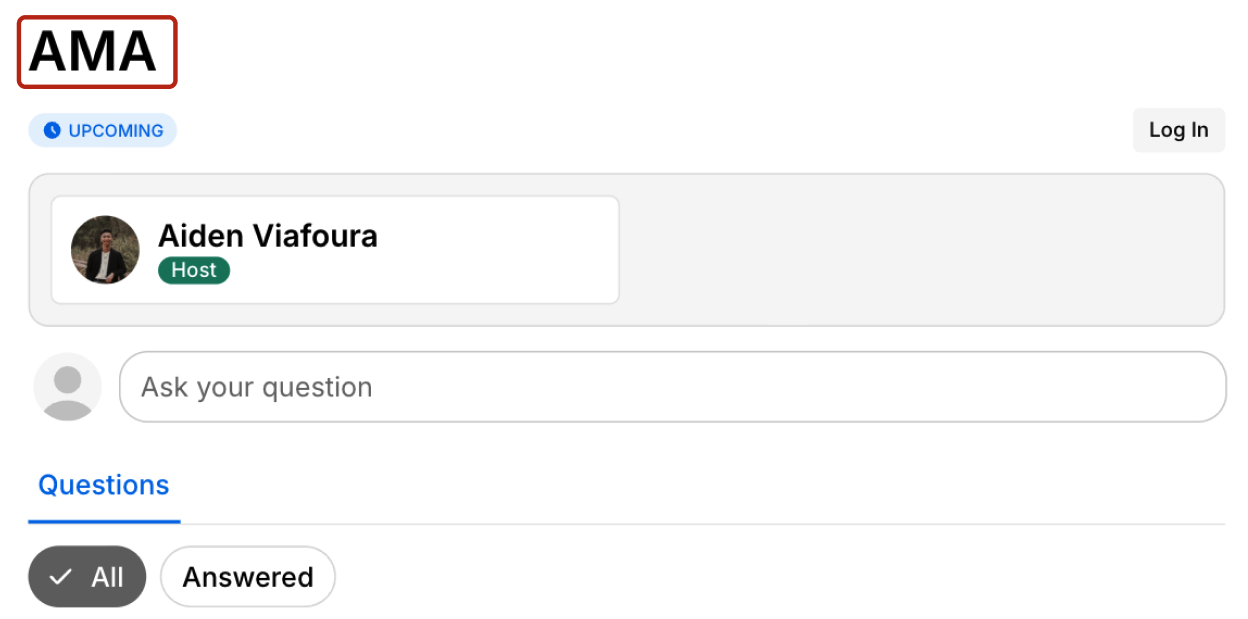
<vf-livequestions title="AMA"></vf-livequestions> | Displays the custom title: AMA |
Example of custom title set to "AMA":
Step 3: Refresh browser to view the rendered version
NoteA moderator or admin level user must load the page in order for the Live Q&A to be initiated and configured
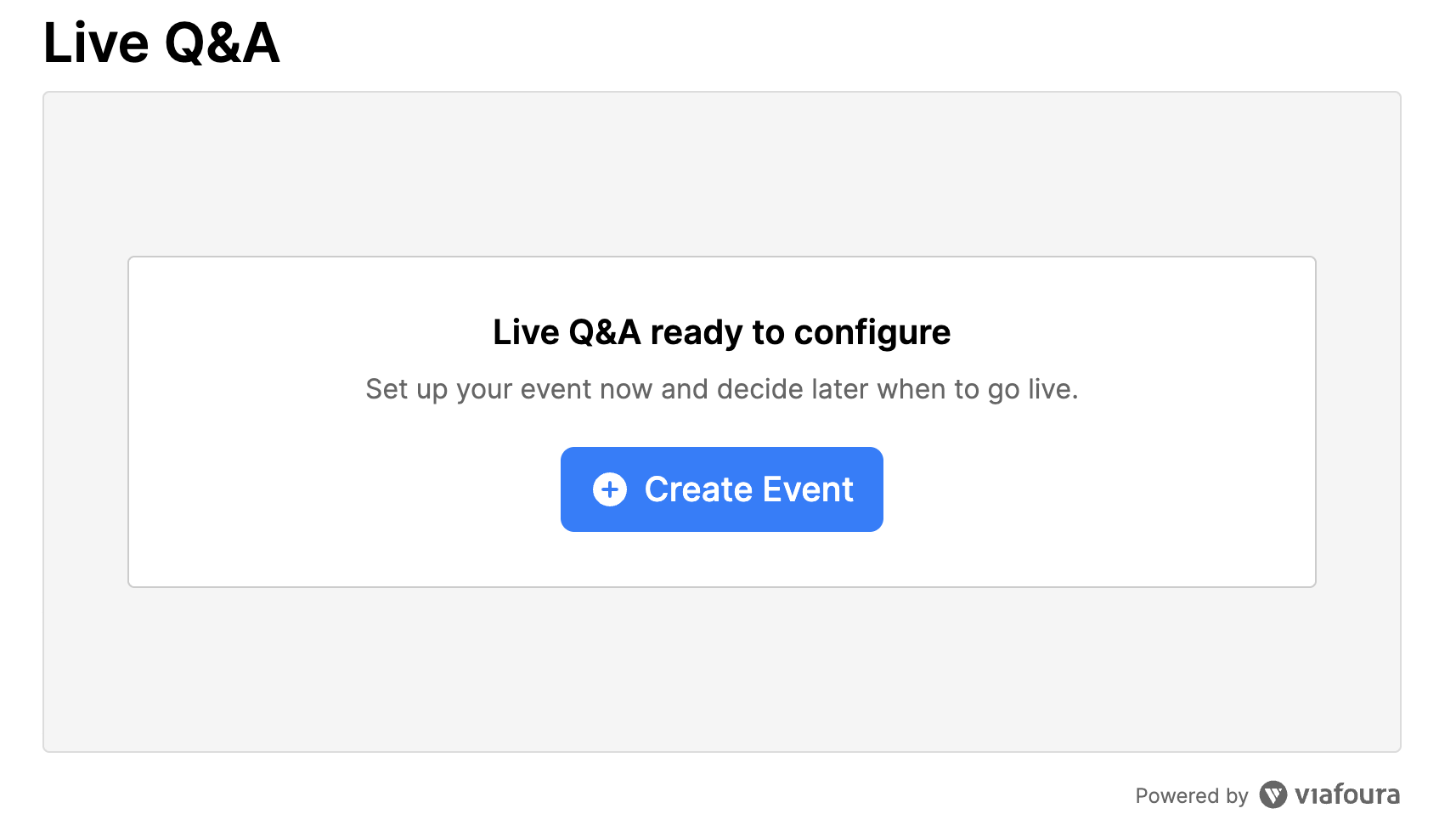
Once you are authenticated with sufficient privileges, you should see the Live Q&A setup box at the position you put the code and should look like this:
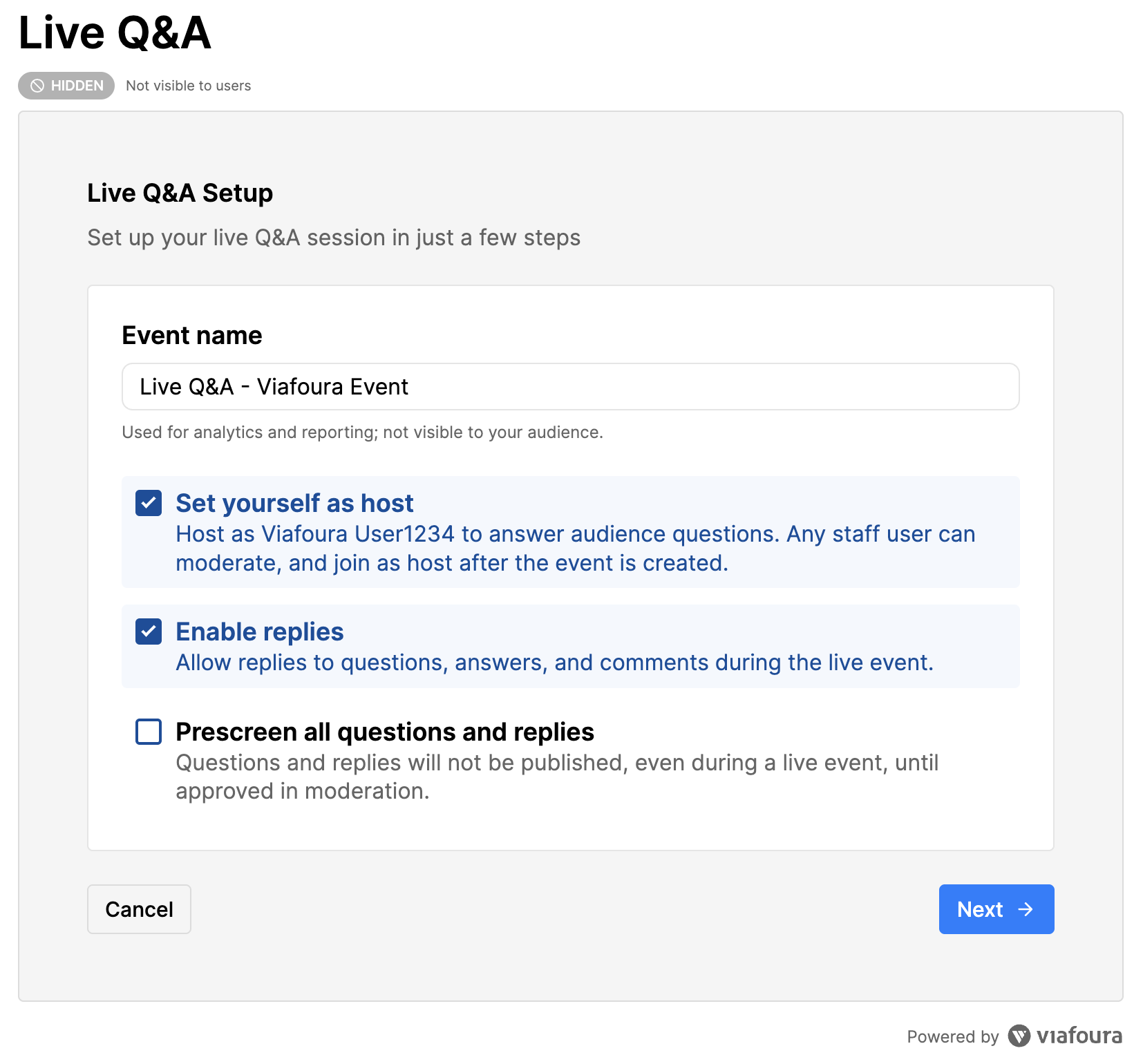
Note'Enable replies' is selected by default.
Sticky Headers
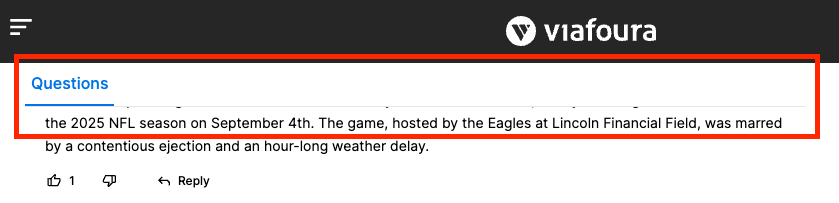
The Live Q&A widget includes a sticky header that remains visible as users scroll through questions and replies. If your site also uses a sticky header, banner, or other fixed page element, it is important to account for that space so the Live Q&A header is not covered or visually conflicted.
When implementing the widget, ensure your page layout reserves enough vertical space for any existing sticky elements. This prevents the Live Q&A header from being partially or fully obscured and helps ensure related features, such as inline notifications, display and function as expected.
The CSS variables can be defined in the Viafoura CSS namespace, or targeting something more specific such as the wrapper component for your Viafoura widget.
For example, if your sticky header is 2rems in height:
.viafoura {
    --reserved-space-top: 2rem;
}
If your header is smaller or hidden on mobile you can use a media query to reflect this:
@media (max-width: 480px) {
    .viafoura {
        --reserved-space-top: 1rem;
    }
}
Setting up and managing Live Q&A events
See our user guide HERE to set up and manage Live Q&As.
Updated 5 months ago