
Polls
Introduction
Viafoura's Polls allows you to host interactive, moderated voting experiences directly on your site, fostering dynamic, two-way engagement between your audience and your content.
Your audience can submit their votes and see results update in real time, allowing them to participate in opinion-driven discussions as the conversation unfolds. You can choose to allow anonymous submissions or require users to be authenticated before voting. Use this for audience surveys, reader sentiment checks, product feedback, or event-based voting moments.
Installation
Step 1: Install the Viafoura Javascript
The Viafoura Poll component requires the Viafoura base JavaScript to be installed on the page where this component is to appear.
Step 2: Add the Poll code to your page
Add the following code to the page where you want the Poll to appear.
If you are using article-level container ids, then you will not need to specify your container id in this code:
<div class="viafoura">
  <vf-poll></vf-poll>
</div>
If you are using widget-level container ids, then use this:
<div class="viafoura">
  <vf-poll vf-container-id=“[ENTER UNIQUE ID]“></vf-poll>
</div>
Step 3: Refresh browser to view the rendered version
NoteA moderator or admin level user must load the page in order for the Poll to be initiated and configured
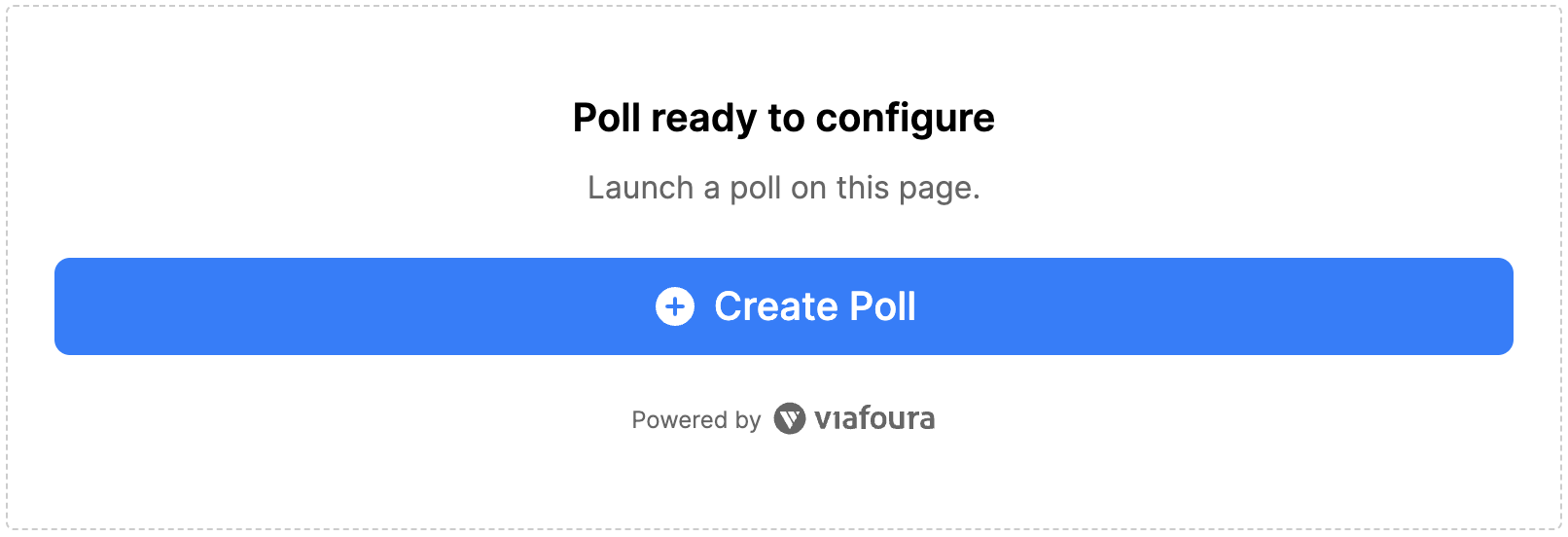
Once you are authenticated with sufficient privileges, you should see the Poll setup box at the position you put the code and should look like this:
Setting up and managing Polls
See our user guide HERE to set up and manage Polls.
Updated 5 months ago