
Promoting Users
Once the initial user provisioning is completed for launch Community Champions will be responsible for managing access. Below is a guide on how to give users staff level access so they can moderate, effectively engage with the community and access the admin settings to configure things such as authentication, moderation guidelines and ad placements
Creating a User
- Go to website provisioned on Viafoura. Sign up as new user and interact with the comment section (like, reply, comment)
- The user is now created in Viafoura, connected to that site uuid.
Promoting the User
- Login to admin.viafoura.co using your Client Admin access
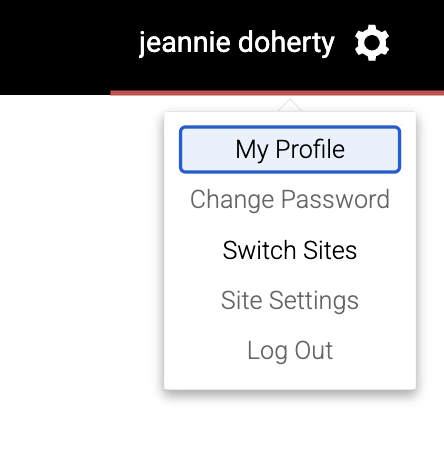
- Using the gear icon in the top right, click on "Switch Sites" and choose the site that the user registered their account on
- Once you have navigated to the correct site go to the Users tab (you can confirm which site you’re on by checking the top left corner)

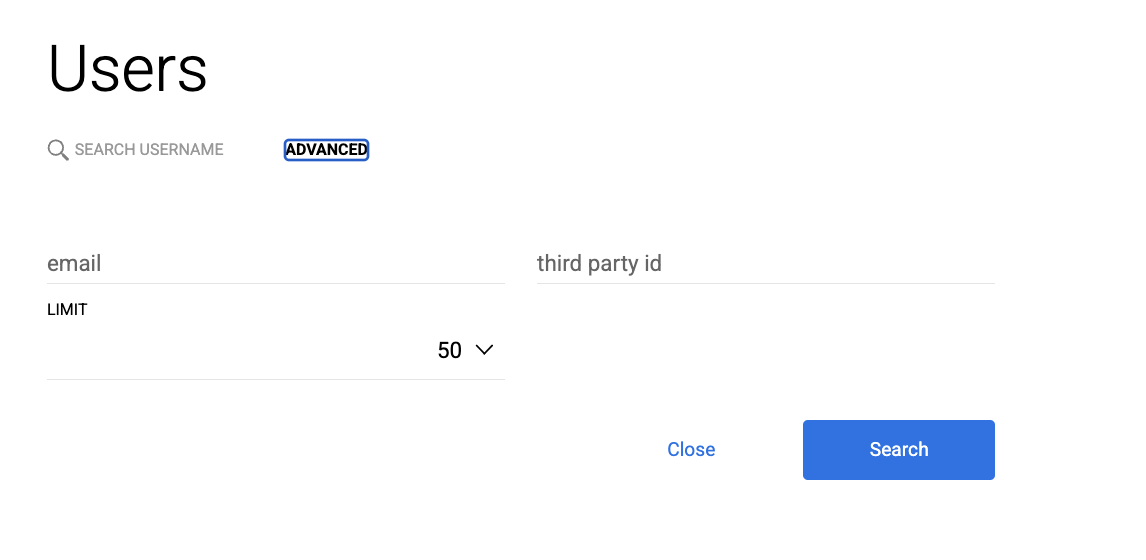
- Under the Users Tab you can search by Name or E-mail
- Once you have located the user you can then promote to the required role
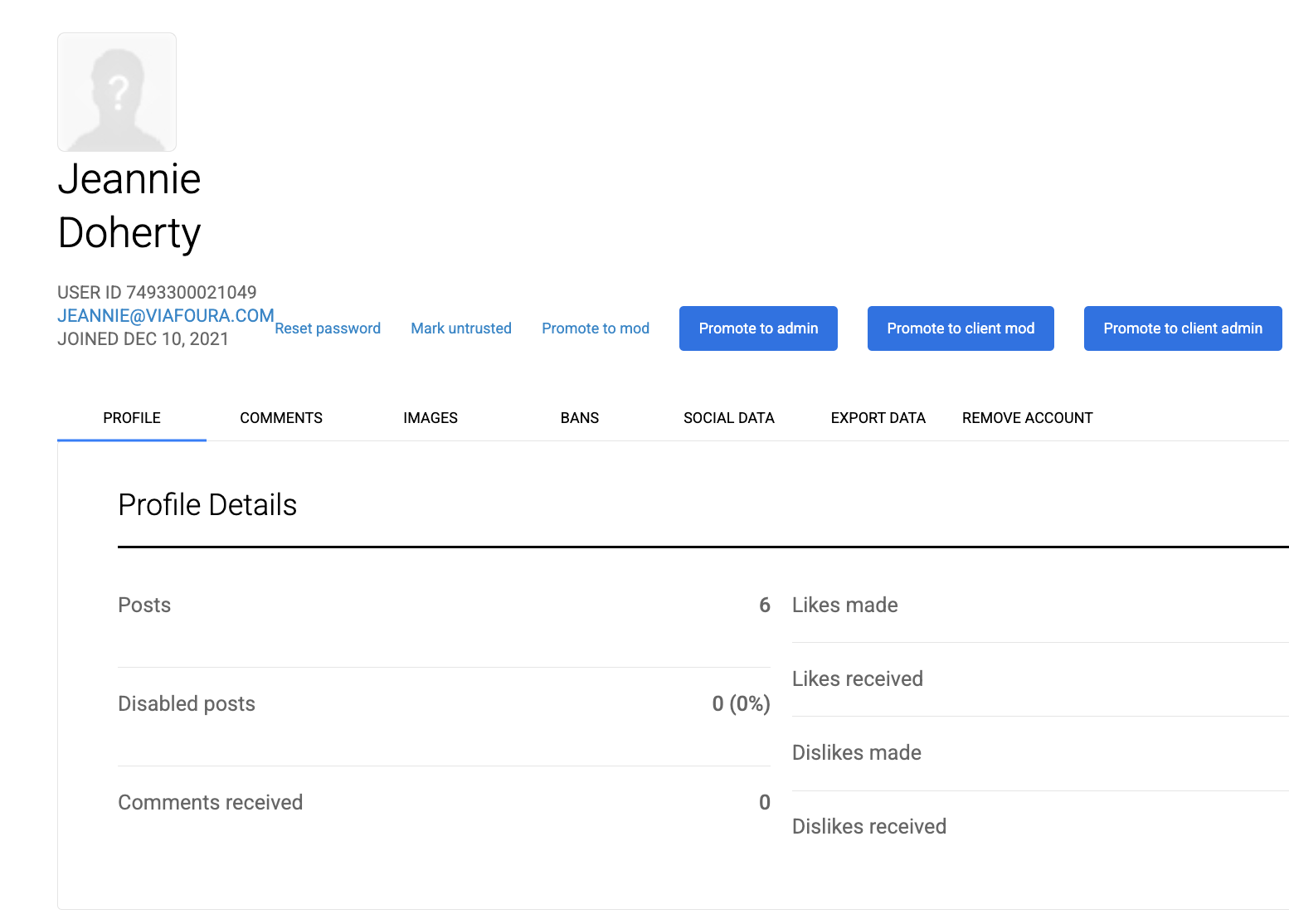
Site Moderator: Can moderate only on the selected site
Client Moderator: Has moderation access to all of your sites
Site Admin: Has access to moderation and admin settings only on the selected site
Client Admin: Has access to moderation and admin settings on all of your sites
Updated about 1 month ago
Did this page help you?